eSIM for South Africa 2026: Cape Town, Garden Route & Kruger without the Ro
mySIM24 Redaktion · Published 8/31/2026 · Updated 9/21/2026 · 9 min read
Planning your trip? Compare current eSIM plans for South Africa and check your device’s compatibility.
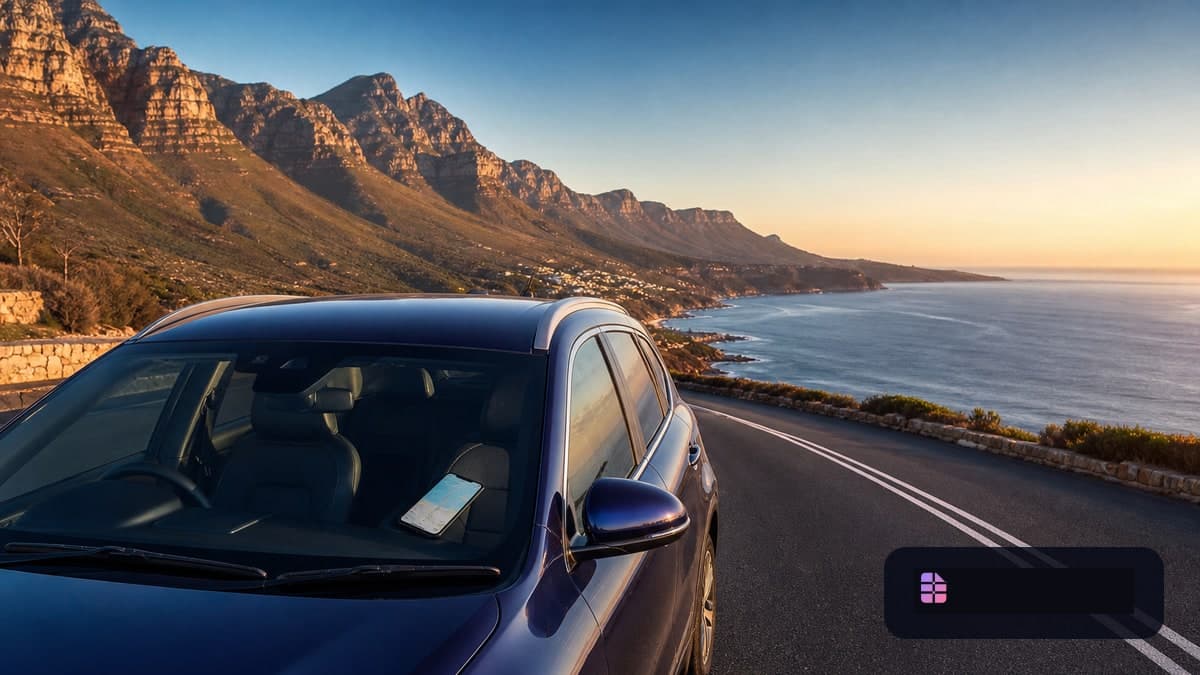
South Africa road trip 2026: Why mobile internet belongs in your travel planning
Cape Town, the Garden Route and a safari in Kruger National Park are part of one single round trip for many travellers. This exact combination makes mobile internet particularly valuable: you move between a major city, coastal roads, smaller towns, national park camps and domestic flights. Maps, accommodation details, digital tickets, messengers and last-minute route changes should all work — but German EU roaming does not automatically apply in South Africa.
The destination is also in high demand: South Africa’s Department of Tourism reported a total of 5,584,473 international arrivals from January to June 2026, 12.3% more than in the same period in 2025. For the upcoming South African travel season, it therefore makes sense not to arrange your connection only at the airport. An eSIM for South Africa can be the practical data solution: install it in advance, switch it on after landing and keep your German number on your primary plan.
It is important to set realistic expectations: an eSIM does not improve reception in remote areas. Above all, it saves you from swapping SIM cards, looking for a shop after a long-haul flight and — depending on your German plan — potentially expensive data roaming.
Travel eSIM, local prepaid SIM or German roaming?
For a classic trip including Cape Town, the Garden Route and Kruger, a travel eSIM is usually the most straightforward option. It is especially suitable if you mainly need data: navigation, WhatsApp, translations, banking, reservations and communication with accommodation providers.
| Solution | Makes sense if ... | What to look out for |
|---|---|---|
| Travel eSIM | you want to prepare everything before departure and get online quickly after landing | Check country coverage, validity period, data allowance, supported network and hotspot rules for the specific plan. |
| Local prepaid SIM or local eSIM | you are planning to have a South African number, traditional calls or a longer stay | Activation can take more time; registration requirements apply to local SIMs and eSIMs. |
| German roaming package | your mobile plan includes a transparent South Africa package with sufficient data | Check the price, data limit, validity and possible automatic top-ups before travelling. |
A local solution is not inherently better or worse. It may be worthwhile for longer stays, a South African number or specific calling requirements, for example. For most holidaymakers, however, the time-saving benefit of a travel eSIM outweighs this.
Since 1 July 2026, stricter SIM registration measures have applied in South Africa. Provider Vodacom explicitly states that RICA applies to new prepaid SIMs, physical SIMs and eSIMs; foreign nationals need a valid passport, and proof of address may also be required depending on the registration method. This is another reason not to confuse a data-only travel eSIM with a locally activated number.
Network reality: Cape Town is not the Garden Route — and the Garden Route is not Kruger
When choosing a plan, do not look only at the data allowance. What matters is which South African network your specific eSIM plan uses and whether it is likely to suit your individual route. The network partner is shown depending on the plan; check it in the plan details before buying.
Cape Town and the Winelands: Good preparation instead of reception promises
In a metropolis such as Cape Town, mobile data is particularly useful for navigation, ride-hailing, restaurant reservations, digital tickets and messengers. Nevertheless, reception, data speed and the available mobile technology depend on your location, building conditions, network load and device. Do not rely on a single 5G indicator.
Vodacom’s current network overview explains that devices may switch between 5G, 4G and 3G depending on the situation. In practical terms for travellers: 4G is often more important than the 5G icon on a city break, because reliability for maps and messages matters more than a theoretical peak speed.
Before leaving Cape Town, download offline maps for your accommodation, the airport, the car rental station and the first stage of your trip. Also save booking numbers and your accommodation’s contact details locally on your device.
Garden Route: Data is useful, offline maps remain essential
The Garden Route passes through very different areas — from larger towns and coastal roads to natural and hiking areas. Mobile service can be useful along the way, but it should not be your only basis for navigation or safety.
These preparations are recommended for the route:
- Download maps for the entire day’s stage, not just for your destination.
- Save accommodation, petrol stations and alternative routes as favourites.
- Do not plan an important video conference during a long driving stage.
- Keep a power bank and charging cable in the car.
- Share the day’s itinerary with fellow travellers before driving into more remote areas.
If you save lots of photos and videos or upload content while travelling, use accommodation Wi-Fi whenever possible. This keeps your mobile data allowance available for navigation, spontaneous changes and communication. Our guide How many GB do I need when travelling? can also help you choose a plan size.
Kruger National Park: Safari experience before constant reception
In Kruger National Park, mobile internet is a tool, but not a reliable substitute for preparation. Reception and data speeds can vary depending on the camp, time of day, terrain and network load. Plan accordingly, as if you may temporarily have no signal.
Especially important: the SANParks Pocket Guide states that mobile phones may only be used in camps, at gates and in emergencies. During a self-drive, your smartphone should therefore not be in your hand as a camera, messenger or substitute for navigation. Prepare your route, maps and important information in advance, and focus on traffic, animals and park rules.
A minimalist digital plan is recommended for safari days:
- Check the route and gate times before departure.
- Save the offline map and booking confirmations locally.
- Fully charge your smartphone and know how to use power-saving mode.
- Write down important contacts offline as well.
- Do not make any safety-relevant decision dependent on a mobile data connection.
How to set up your South Africa eSIM before departure
Ideally, install the eSIM while connected to Wi-Fi at home or at your hotel before departure. The exact activation time depends on the plan: some plans start only when the eSIM first connects to a supported network, while others may begin their validity period earlier. Read the details of the respective plan carefully.
For a dual-SIM smartphone, this configuration is often useful:
- German SIM/eSIM: default line for calls and important SMS messages.
- South Africa eSIM: line for mobile data.
- Mobile data: assign exclusively to the travel eSIM.
- Data roaming on the German line: disable it to avoid unwanted charges.
- Data roaming on the travel eSIM: enable it only if required by the travel eSIM provider’s instructions.
The last setting surprises many travellers: with some travel eSIMs, data roaming must be enabled on that specific travel line because the plan is delivered through a partner in the destination country. This is not the same as data roaming on your German primary card. Check the line carefully before turning on the switch.
You can find step-by-step help in our eSIM installation guide. Before departure, also test whether you can switch between lines and whether your home number remains selected for calls or SMS messages.
TAN SMS, WhatsApp and hotspot: What matters on a road trip
A data eSIM does not replace your German phone number. If your bank or another service sends TAN SMS messages to your home number, that line must remain active and able to receive messages. Check your German provider’s terms for incoming SMS and calls outside the EU. Our article on travel eSIMs and TAN SMS abroad explains the secure dual-SIM setup in detail.
WhatsApp generally remains linked to your existing number and works through the travel eSIM’s data connection or Wi-Fi. You do not need to change your WhatsApp number simply because you use a data eSIM in South Africa.
A hotspot for a laptop or second device can be useful, for example in a rental car or accommodation with weak Wi‑Fi. Whether tethering is allowed, however, depends on the selected plan. Check this rule before buying — especially for plans with “unlimited” data or fair-use rules.
Choosing the right amount of data for your route
For a trip of around two weeks, the largest plan is not automatically the best option. Your habits are what matter:
- Low usage: navigation, messengers, emails, reservations and occasional searches.
- Medium usage: plus social media, regular photo uploads and frequent research while travelling.
- High usage: hotspot use, cloud backups, video calls, extensive video streaming or daily uploads of large files.
For a road trip, it is often wiser to deliberately reserve data for use on the road and perform large updates, cloud backups and streaming on Wi-Fi. Also note that you will not be online via the mobile network on the plane: for that, you need flight mode and, where applicable, onboard Wi‑Fi. Our article eSIM on a plane: flight mode, onboard Wi‑Fi and getting online after landing explains the right settings before landing.
Checklist: Using your South Africa eSIM without stress
- Check device eSIM compatibility and SIM lock status.
- Choose a plan for South Africa, not only for Africa in general.
- Check the network partner, data allowance, validity period and hotspot rules.
- Install the eSIM on Wi-Fi before departure.
- Configure the German line correctly for calls and TAN SMS messages.
- Set mobile data to the travel eSIM.
- Download offline maps for Cape Town, the Garden Route and the safari route.
- Save important travel documents, accommodation details and contacts offline.
- Pack a power bank, car charging cable and enable secure device locking.
Conclusion: For South Africa, the offline plan matters just as much as the eSIM
An eSIM for South Africa is a convenient data solution for Cape Town, the Garden Route and many typical round trips. It helps you get online immediately after arrival, continue using your German number and maintain greater cost control outside EU roaming. For local calling or longer stays, a registered South African prepaid option can make sense — but it involves more administrative effort.
Still, never plan your route around guaranteed reception. Especially on longer drives and in Kruger National Park, offline maps, charged batteries, saved documents and realistic daily planning are at least as important as the chosen data plan.
Sources and update status
- South African Department of Tourism, announcement dated 30 July 2026: https://www.tourism.gov.za/AboutNDT/Ministry/News/Pages/South_Africa%E2%80%99s_tourism_sector_remains_resilient.aspx
- Vodacom, network overview dated 20 July 2026: https://now.vodacom.co.za/network-2/network-coverage-south-africa/
- Vodacom, RICA help, accessed 31 August 2026: https://www.vodacom.co.za/vodacom/help/rica
- SANParks, Kruger National Park Pocket Guide, March 2021 edition — also check the current park information before travelling: https://www.sanparks.org/wp-content/uploads/2021/03/kruger-pocket-guide.pdf