

eSIM on a plane: airplane mode, onboard Wi-Fi and getting online after you”
mySIM24 Redaktion · Published 7/29/2026 · Updated 7/29/2026 · 6 min read
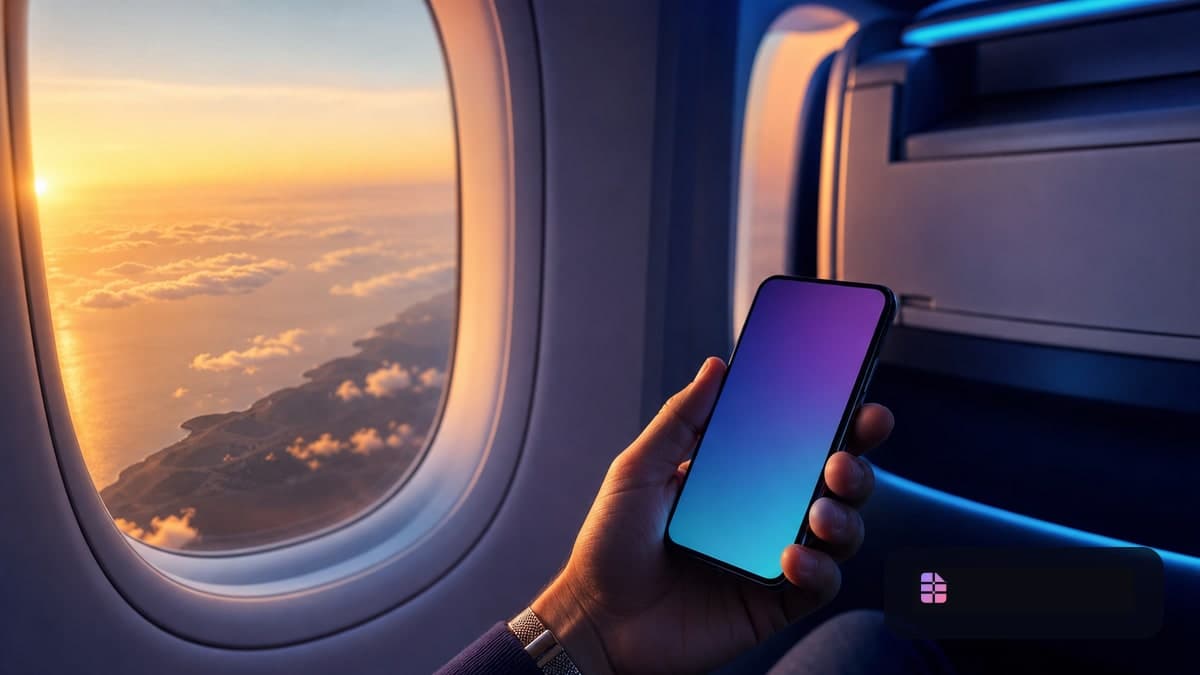
Keep the eSIM installed; turn on airplane mode
A travel eSIM does not normally need to be deleted before boarding. What matters is the phone’s cellular connection: during the flight, follow the crew’s instructions and use airplane mode unless the airline explicitly tells you otherwise.
Airplane mode disables the cellular radio for both your home line and your travel eSIM. The eSIM profile remains stored on the device, so it can be used again after landing. No package disappears merely because airplane mode is enabled.
The U.S. FAA says phones and portable electronic devices must be used in airplane mode or with cellular service disabled; Wi-Fi may be used if the aircraft has it and the airline permits it. Under EASA guidance, the airline is responsible for deciding which device functions are permitted on its aircraft. In every case, the crew’s safety instructions take priority.
eSIM, mobile data and onboard Wi-Fi are different things
An eSIM is a digital SIM profile. It still needs your phone’s cellular modem and a terrestrial mobile network to deliver mobile data. In airplane mode, it cannot search for or connect to a mobile network. That is expected behavior, not an installation failure.
Onboard Wi-Fi is separate from your eSIM. If allowed, you can turn Wi-Fi back on after enabling airplane mode, choose the aircraft network and sign in through the airline’s portal. Data used through that Wi-Fi connection generally does not come out of your travel eSIM allowance.
| Feature | In airplane mode? | What to remember |
|---|---|---|
| Keep the travel eSIM installed | Yes | The profile stays on the phone. |
| Use mobile data through the eSIM | Usually no | Wait until landing and network availability. |
| Use onboard Wi-Fi | Often yes | Only if the airline allows it. |
| Use Bluetooth accessories | Often yes | Follow the airline’s instructions. |
Do not assume onboard Wi-Fi will be fast, unlimited or available throughout a flight. Its conditions, price, coverage and permitted uses vary by airline and flight.
A practical pre-flight checklist
Install first, then check the plan conditions
Install your travel eSIM before departure, ideally at home or on reliable airport Wi-Fi. Confirm that the profile appears in your mobile-network settings. See how to install an eSIM on iPhone and Android for the basic steps.
Check when the plan’s validity starts. Depending on the offer, it may begin at installation, at first connection to a supported network, or on a specified date. Do not rely on one general rule: read the conditions for your own package before scanning the QR code.
Choose your data line deliberately
With Dual SIM, your home number can remain available for calls or one-time codes while the travel eSIM handles data abroad. Before boarding, select which line should provide mobile data after arrival.
On an iPhone, see our iPhone eSIM setup and switching guide. Android labels differ by brand, but settings are usually under Network & Internet, Connections or SIM Manager.
If you want to receive banking codes on your home number, keep that line available if your provider and settings permit it. At the same time, turn data roaming off for the home line if you do not want it to use data abroad. Our guide to travel eSIMs and TAN/SMS codes abroad explains the Dual-SIM logic in more detail.
Download essential items for offline use
Save boarding passes, hotel details, tickets, offline maps and important translations before take-off. Carry a charging cable and keep a power bank in your cabin bag. For U.S. aviation guidance, spare lithium batteries must not go in checked baggage; your airline may have additional rules.
The safest order when using onboard Wi-Fi
- Enable airplane mode when instructed.
- If allowed, manually turn Wi-Fi back on.
- Join the onboard network and complete the airline sign-in.
- Leave cellular service off until landing.
There is usually no need to disable the travel eSIM profile itself. Airplane mode already prevents its cellular connection. Turning the profile off adds one more thing to remember after arrival.
Pause automatic photo backups, system updates and large downloads. They can consume paid onboard Wi-Fi quickly and make a limited connection less useful for what you actually need.
Getting online safely after landing
When the crew permits it, turn airplane mode off. Your phone will begin looking for a network. Allow a few minutes, especially at busy international airports.
Then check:
- Is the travel eSIM enabled?
- Is it selected as the mobile-data line?
- Does that specific eSIM require data roaming to be enabled according to its provider instructions?
- Is data roaming still off on the home line if you do not want home-plan data charges?
Many travel eSIMs use partner networks, so the data-roaming setting can be necessary for the travel line. This is plan-specific: enable it only where your provider instructs you to do so.
If the phone does not connect, first confirm that airplane mode is off and that the correct data line is selected. A brief airplane-mode restart can trigger a fresh network search; Apple lists this as a step for iPhone roaming issues. For installation and connection checks, use our eSIM QR-code troubleshooting guide.
Avoid these common mistakes
- Turning off only the travel eSIM: Your home cellular line still needs to comply with onboard rules. Use airplane mode unless crew instructions say otherwise.
- Testing the eSIM through onboard Wi-Fi: Wi-Fi and cellular data are separate connections. Test the eSIM only after landing.
- Using the home line for data by default: Outside included roaming areas, that may create charges. Read how to avoid roaming fees before travelling.
- Deleting an eSIM because there is no signal in flight: No signal is normal in airplane mode. Check the mobile settings before deleting anything.
Bottom line
For a travel eSIM on a plane, the reliable approach is simple: leave the eSIM installed, enable airplane mode, use onboard Wi-Fi only if permitted, then select the travel eSIM carefully after landing. Offline preparation and clear Dual-SIM settings make the first minutes at your destination much less stressful.
Sources
- Federal Aviation Administration, “Flying Safe – Electronics on Board”, accessed July 29, 2026: https://www.faa.gov/travelers/fly_safe
- EASA, “Easy Access Rules for Air Operations”, Revision 24, March 2026: https://www.easa.europa.eu/en/document-library/easy-access-rules/online-publications/easy-access-rules-air-operations?erules-id=ERULES-1963177438-12292
- Apple Support, “About cellular data roaming options for your iPhone and iPad”, accessed July 29, 2026: https://support.apple.com/en-gw/109037