eSIM for South Korea 2026: Seoul, Busan, Jeju and mobile data tips
mySIM24 Redaktion · Published 8/12/2026 · Updated 9/21/2026 · 5 min read
Planning your trip? Compare current eSIM plans for South Korea and check your device’s compatibility.
The following data amounts are editorial planning assumptions, not measured app averages or a usage guarantee. Calculate your own daily use × trip days plus a reserve you choose. Video, backups and hotspot use can change requirements substantially.
eSIM for South Korea: a practical 2026 guide
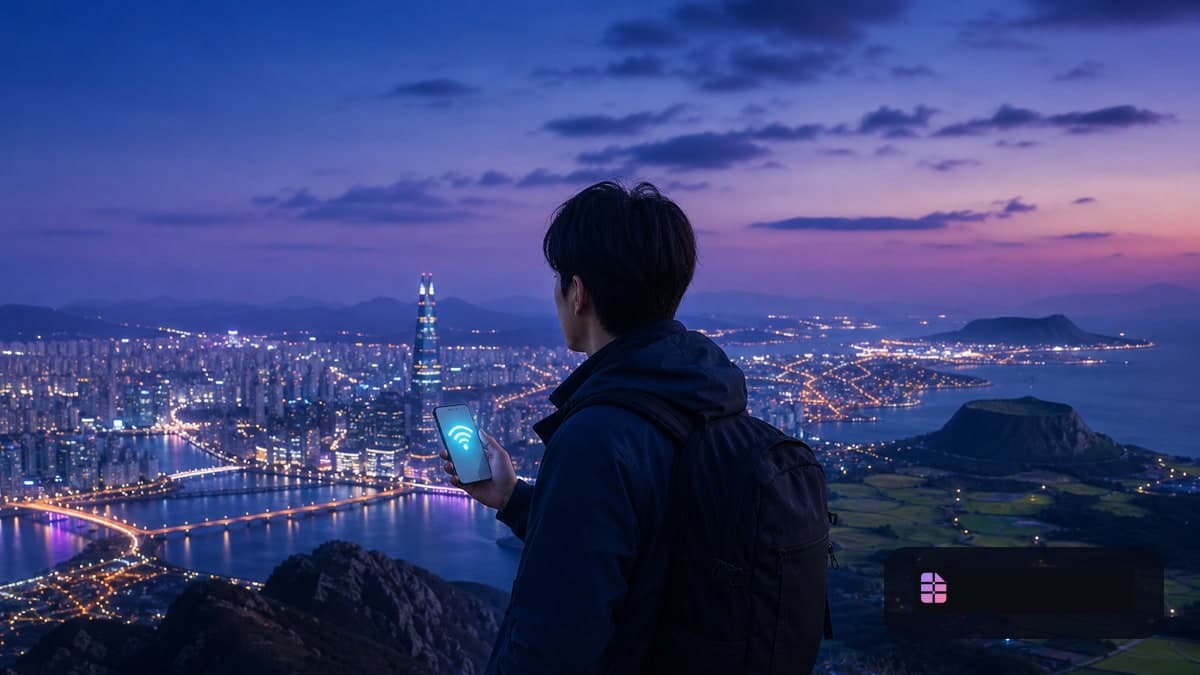
A South Korea eSIM is useful when you want data as soon as you land instead of looking for a physical SIM shop at the airport. It can make hotel navigation, transit planning, translation, messaging and last-minute itinerary changes much easier in Seoul, Busan and Jeju.
Most travel eSIMs are data-only. That is usually an advantage: you can keep your usual SIM active for your home number while using the eSIM for mobile data. Before buying, confirm that your phone is unlocked and supports eSIM technology in our eSIM-compatible device guide.
This article was reviewed on August 12, 2026 using official tourism and government information. Actual service can vary by location, indoor conditions, device, plan and local network partner, so download essential information before travel.
Seoul, Busan and Jeju: one eSIM, different travel habits
Seoul
In Seoul, data is especially valuable for maps, subway directions, restaurant searches, translation and messaging. For a short city break, you may not need a huge data allowance if you download map areas in advance, postpone photo backups until Wi-Fi is available and avoid high-resolution video streaming.
Save your hotel address, airport route, meeting points and emergency contacts offline. That way, you still have the essentials if activation takes longer than expected or signal is weaker in a station, underground area or large building.
Busan and multi-city trips
For a Seoul–Busan itinerary, choose a Korea-wide package rather than treating each city as a separate connectivity problem. A travel eSIM supplies the data for routes and travel information; it does not replace a transit card.
The Korea Tourism Organization’s current transport guide covers options such as Tmoney, AREX and rail services. Keep the roles separate: use the eSIM for information and connectivity, and arrange a suitable transit or prepaid card for transport payments when needed.
Jeju
Jeju is a good reason to plan for resilience rather than relying entirely on live connectivity. If you are driving, hiking or moving between coastal areas, download offline maps, accommodation details and booking confirmations. A charged power bank and saved documents are as important as mobile data.
How much data do you need?
These are planning ranges, not guarantees:
| Travel style | Sensible starting point | Typical use |
|---|---|---|
| 3–5 days, light use | 3–5 GB | maps, messages, search |
| 7–10 days, regular use | 5–10 GB | navigation, social media, translation |
| Two weeks or a round trip | 10–20 GB | frequent maps, photos, occasional hotspot |
| Heavy video, work or hotspot | 20 GB+ or clearly defined unlimited plan | calls, cloud services, laptop use |
Maps themselves are usually not the largest data user. Automatic photo backup, app updates, short-form video, streaming and video calls often consume more. See How many GB do I need while travelling? for a more detailed estimate.
If you consider an unlimited plan, check the fine print on high-speed data, throttling, hotspot access and validity. Our Unlimited eSIM and fair-use guide explains what to compare.
Install before departure
Install the eSIM while you still have reliable Wi-Fi. Depending on the provider, the plan may start at installation or when it first connects in South Korea; always check the specific plan terms.
Use these Dual SIM settings:
- Keep your home SIM enabled if you need its number for SMS or calls.
- Select the South Korea eSIM as the mobile-data line.
- Turn off data roaming on the home SIM.
- Enable data roaming on the travel eSIM only when its installation instructions require it.
- Disable automatic mobile-data switching if your phone offers it.
- Save the QR code and activation instructions offline.
For step-by-step help, use our iPhone and Android eSIM installation guide.
WhatsApp, hotspot and verification texts
WhatsApp continues to work with your existing account and number because it uses the internet connection; do not change your account number merely because you installed a data eSIM.
Hotspot availability depends on the plan and phone. Confirm that tethering is permitted before you buy if you expect to connect a laptop, tablet or a travel companion.
A data-only eSIM does not receive verification texts sent to your home number. Keep the home SIM active and configured correctly if you rely on bank or account SMS codes. Read Travel eSIMs and verification SMS abroad before departure.
For additional device and roaming questions, visit the mySIM24 FAQ.
Entry formalities are separate from connectivity
An eSIM is not a visa, K-ETA or arrival card. The official K-ETA notice dated December 23, 2025 says that the temporary exemption was extended for eligible nationalities through December 31, 2026, Korea Standard Time. Eligibility depends on your passport, and entry requirements must always be checked on official channels shortly before departure.
Quick checklist
- Install and label both SIM lines before flying.
- Turn off data roaming on the home SIM.
- Save offline maps, hotel details and flight documents.
- Pack a power bank in your carry-on bag.
- Confirm hotspot rules if you need laptop connectivity.
- Treat transit cards and mobile data as separate travel tools.
Bottom line
For Seoul, Busan and Jeju, a South Korea eSIM is a straightforward way to get online quickly while retaining your home number. Match the package to your trip length and habits, install it before travel and keep offline backups. That preparation matters more than chasing the largest data bundle.
Sources
- Korea Tourism Organization, “Voltage & Communication”: https://english.visitkorea.or.kr/svc/contents/contentsView.do?vcontsId=140059
- Korea Tourism Organization, “Korea Transportation Guide”, May 2026: https://english.visitkorea.or.kr/public/contents/travel/KoreaTransportationGuide_enu.pdf
- Official K-ETA notice, December 23, 2025: https://k-eta.go.kr/portal/board/viewboarddetail.do?bbsSn=299706&esntlPnotiMtYn=Y